
{{ getFeatureName(action_mode) }} your image

Drop your image here.
Our popular AI tools
Enhance Photo
Automatically enhance the blurry photo's resolution and increase the overall quality.
Remove Objects
AIPhotor's One-Touch AI simply detects and removes unwanted details in your picture.
Remove Background
Seamlessly remove background from photos. Edit background with 100+ well-designed templates.
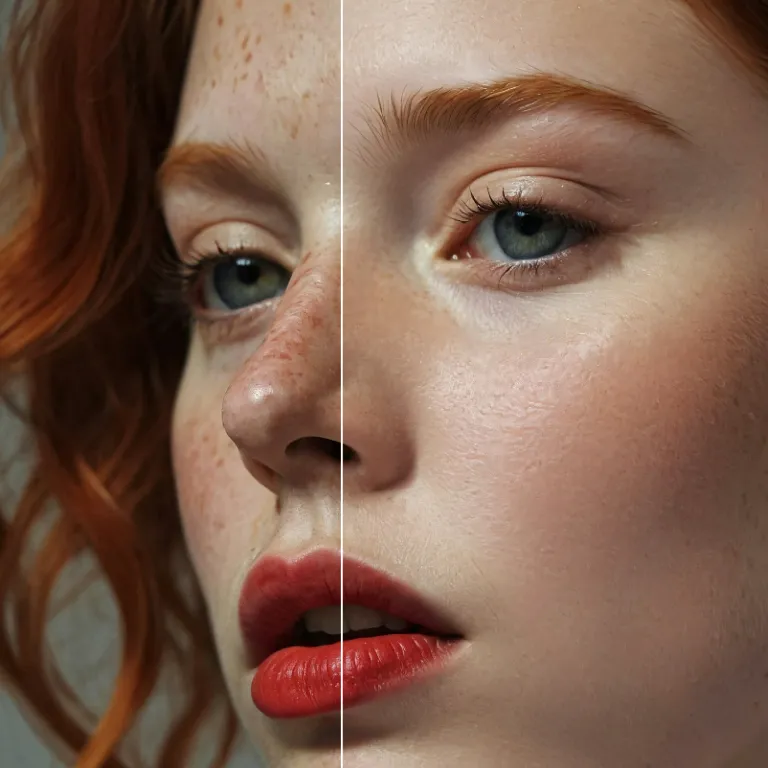
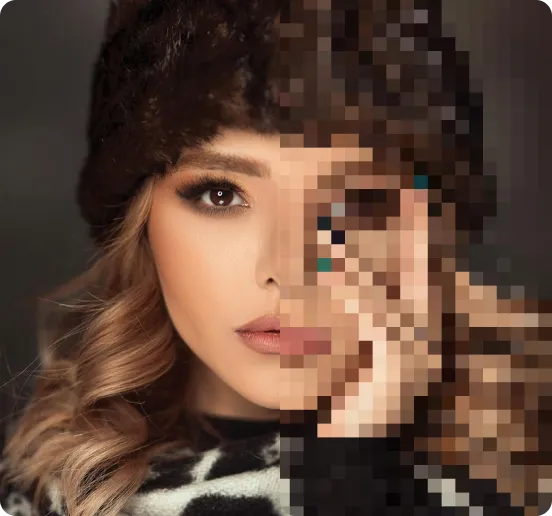
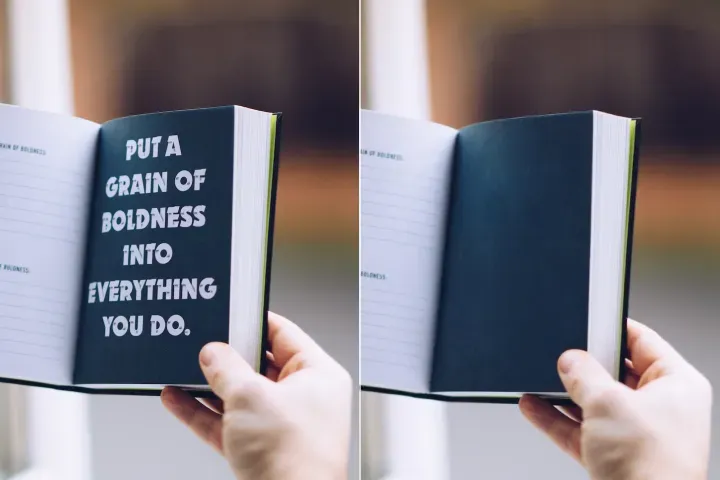
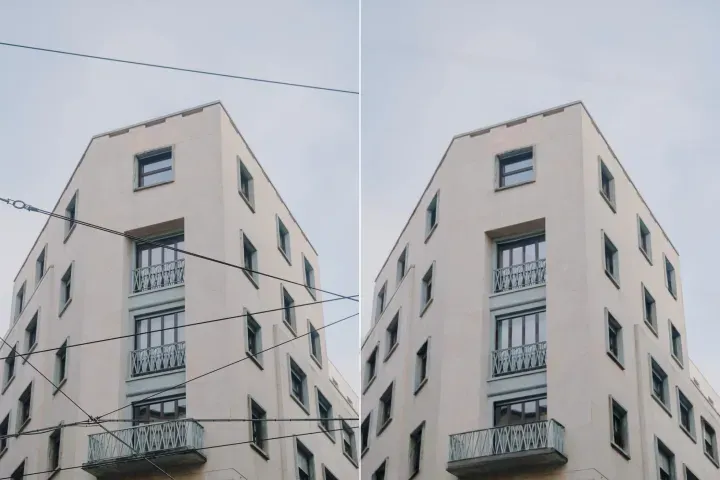
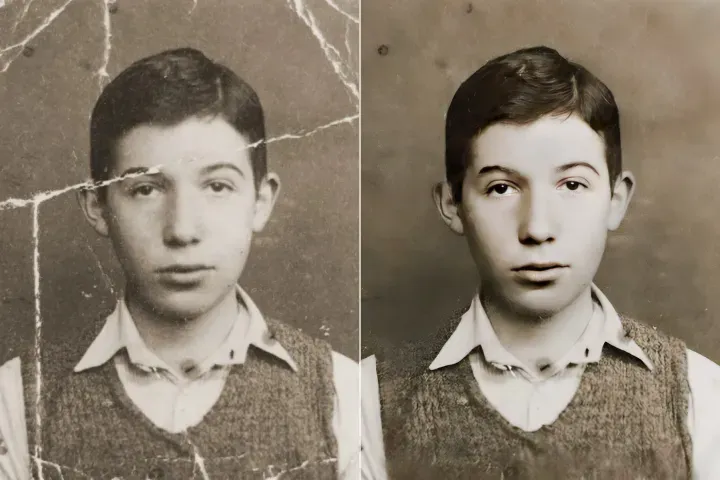
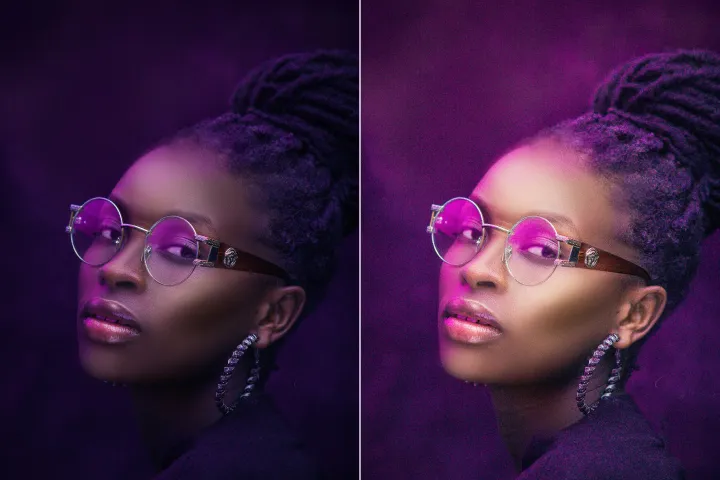
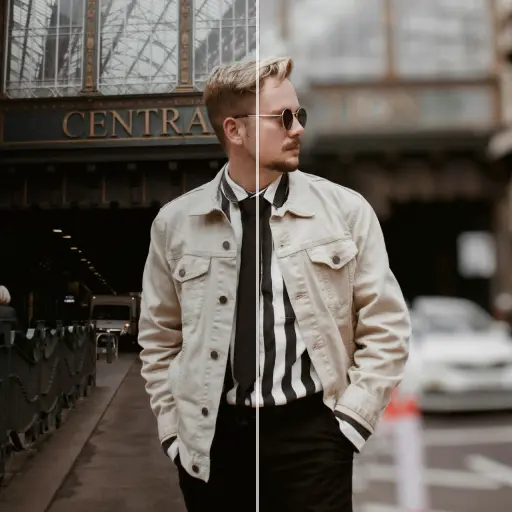

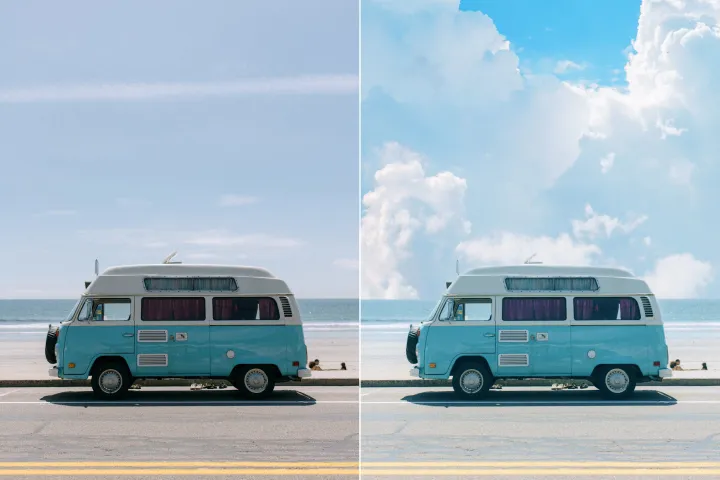
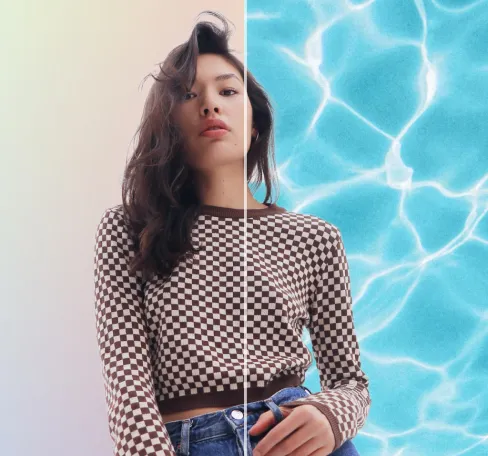
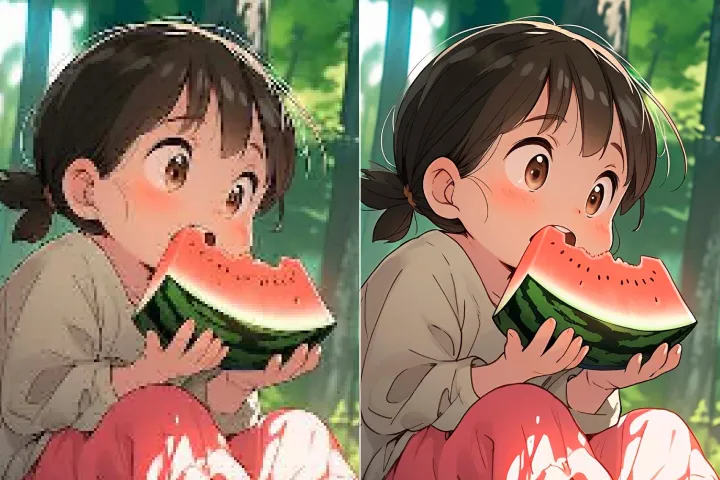

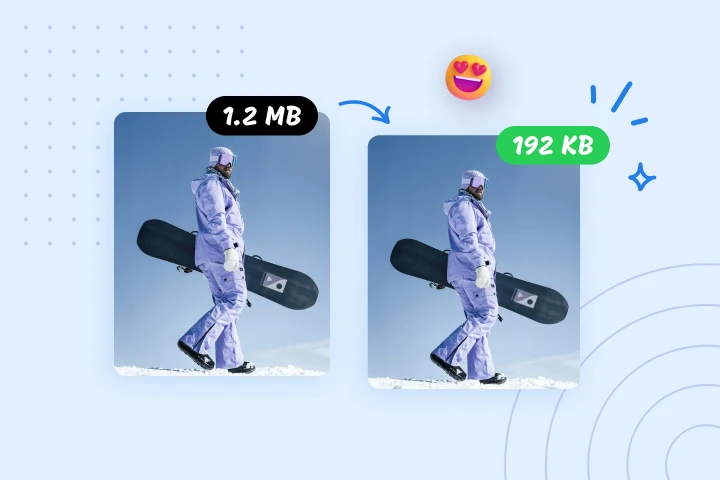
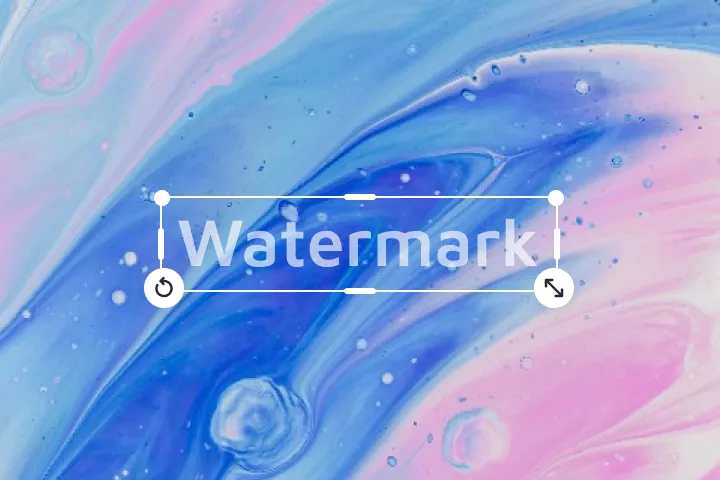
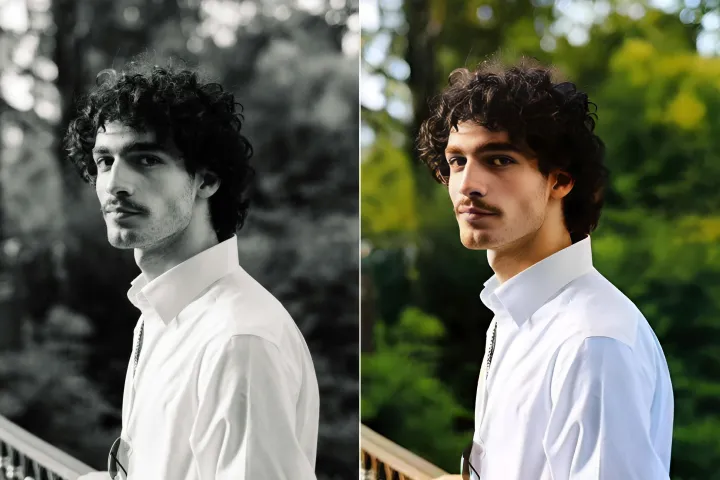
إزالة خطوط الكهرباء
من الصور
إزالة الأسلاك الكهربائية من صورك في غضون 5 ثوانٍ باستخدام ذكائنا الاصطناعي.

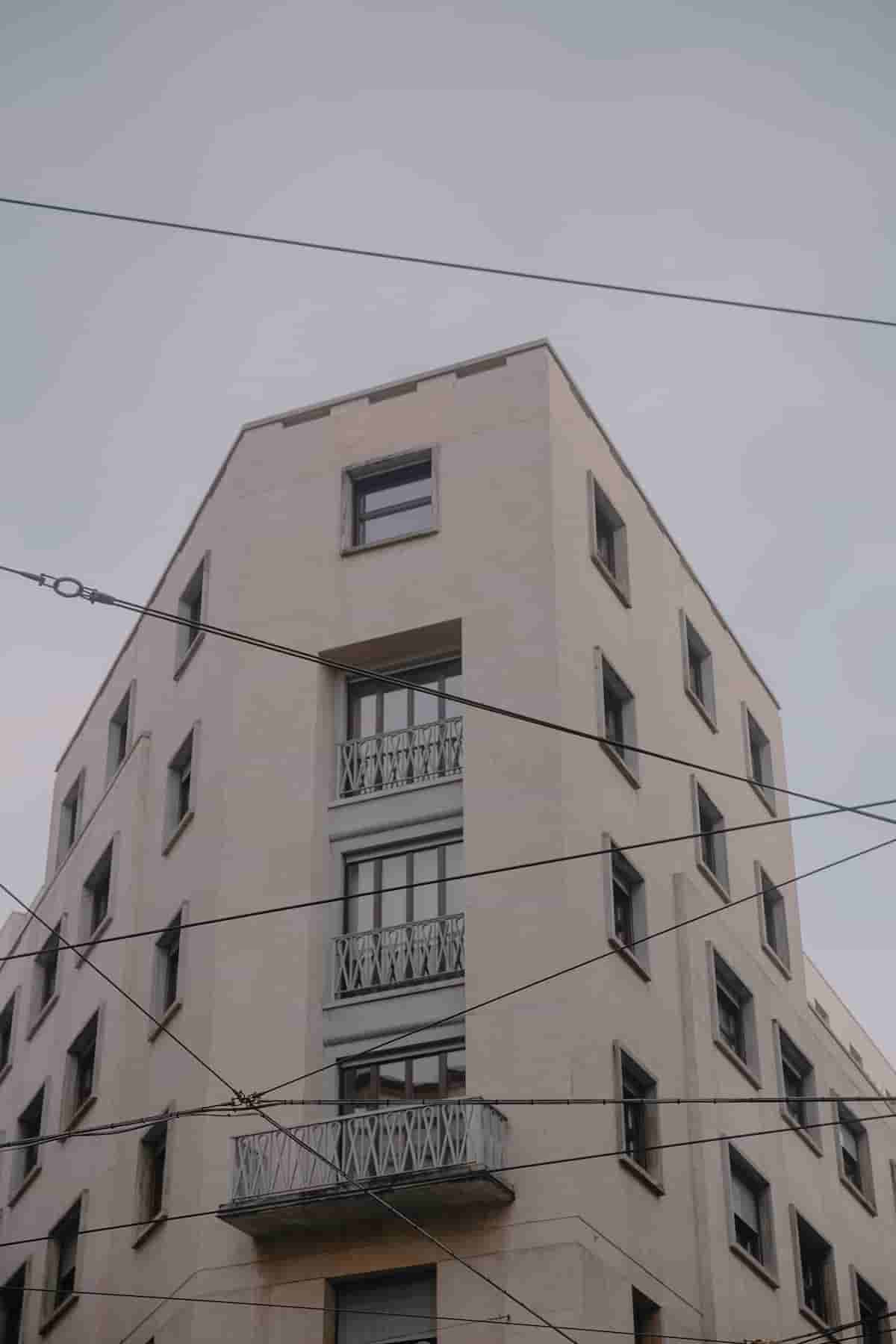

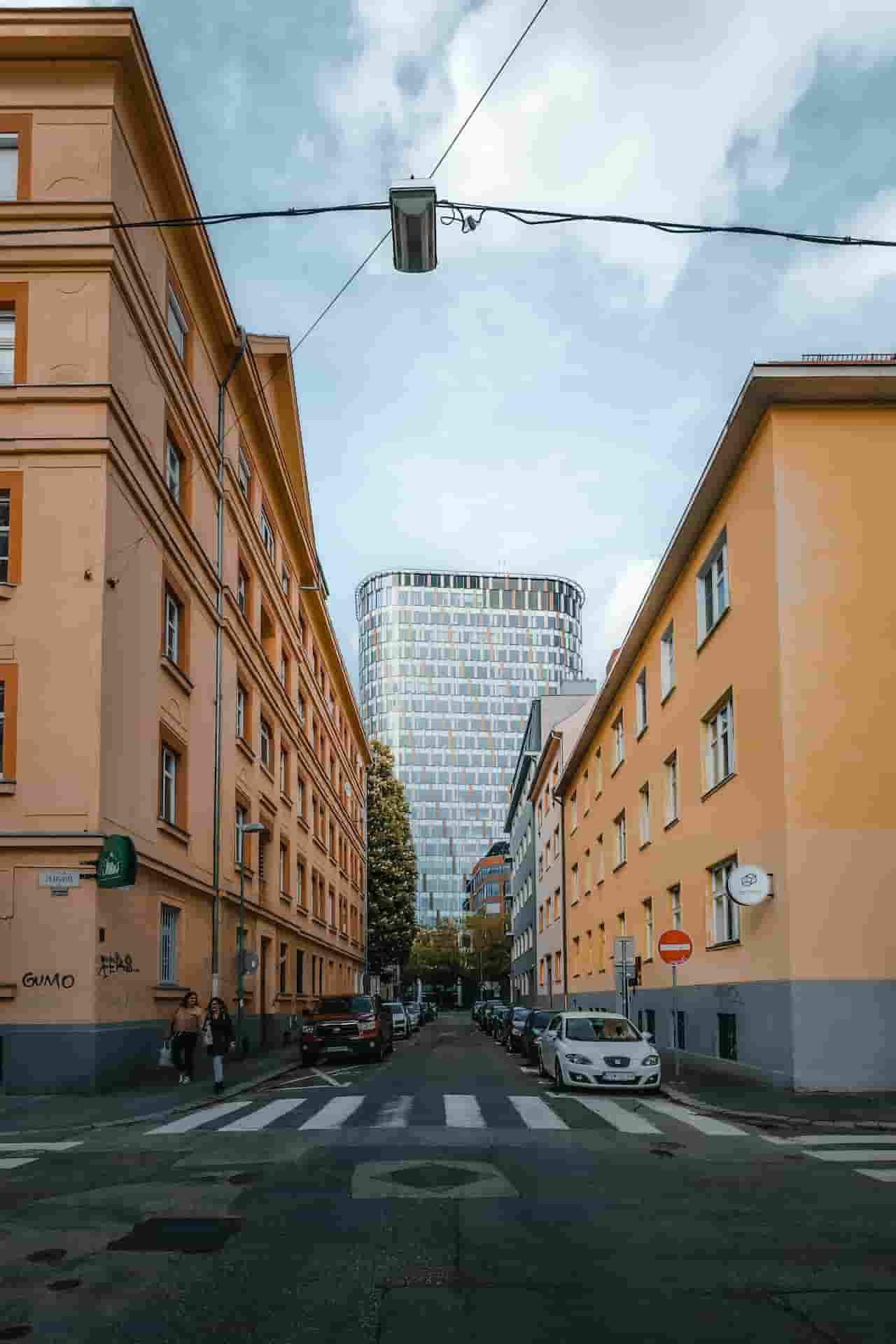

كيف تزيل خطوط الكهرباء من الصور؟
كثيراً ما تفسد صورة رائعة خطوط الكهرباء المزدحمة في الخلفية. ليست إزالة هذه الخطوط صعبة، لكنها عملية قد تستغرق وقتاً وقد تتطلب محرّراً كفؤاً مثل فوتوشوب.
1 تحميل الصورة
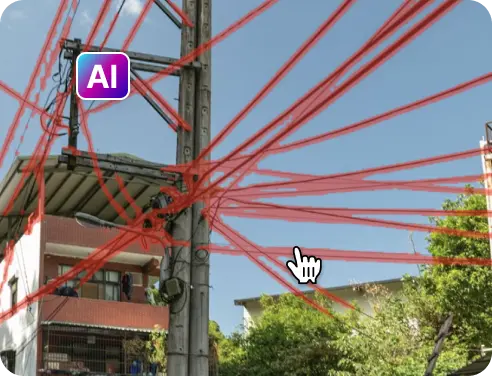
2 انتظر المعالجة
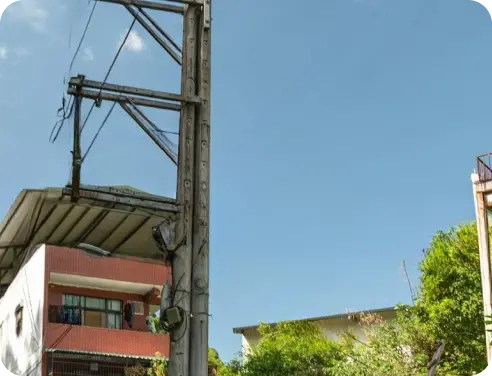
3 إزالة ومقارنة النتيجة

4 تحميل صورتك
إزالة خطوط الكهرباء من الصورة مع AIPhotor
نظّف حتى أكثر الخلفيات ازدحاماً
مع أداة إزالة الكائنات بالذكاء الاصطناعي لدينا، يمكن إزالة حتى أكثر فوضى خطوط الكهرباء عناداً بلا أثر

اكتشافات تلقائية قوية بالذكاء الاصطناعي
يمكن لذكاء اصطناعي مُدرب خصيصاً أن يكشف بسرعة ويبرز جميع خطوط الكهرباء في الصورة بسهولة

يحافظ على جودة الصورة وتفاصيلها
سيتم تحسين الصورة تلقائيًا، وإصلاح العيوب لتقديم نتيجة نقية ومحسّنة


Free to Try
AIPhotor is free to try for 3 days, after which you can subscribe to one of our incredible value plans.

Free to Try
We automatically sharpen and transform your images with AI to create multiple final looks. But you can also adjust and add a prompt to customize the results. Choose what works best for you!

Quick & Easy
Screen, edit, resize and download your photos lightning fast.

Compatible with all devices
AIPhotor is available on the iOS and Android stores. Our app works seamlessly across mobile, desktop, and tablet devices.
Frequently Asked Questions
-
What is AIPhotor Photo Editor?

 AIPhotor is a visual online photo editing website that leverages AI technology to help automatically remove objects/people from images; retouch, enhance, colorize, correct, cartoonize, and animate photos in a snap, replacing other photo editing tools Photoshop, Pixlr editor, or Photopea.
Or just drag & drop image here, upto 50 images at once
Or just drag & drop image here, upto 50 images at once
Frequently Asked Questions
-
What is AIPhotor Photo Editor?
AIPhotor is a visual online photo editing website that leverages AI technology to help automatically remove objects/people from images; retouch, enhance, colorize, correct, cartoonize, and animate photos in a snap, replacing other photo editing tools Photoshop, Pixlr editor, or Photopea.