
{{ getFeatureName(action_mode) }} your image

Drop your image here.
Our popular AI tools
Enhance Photo
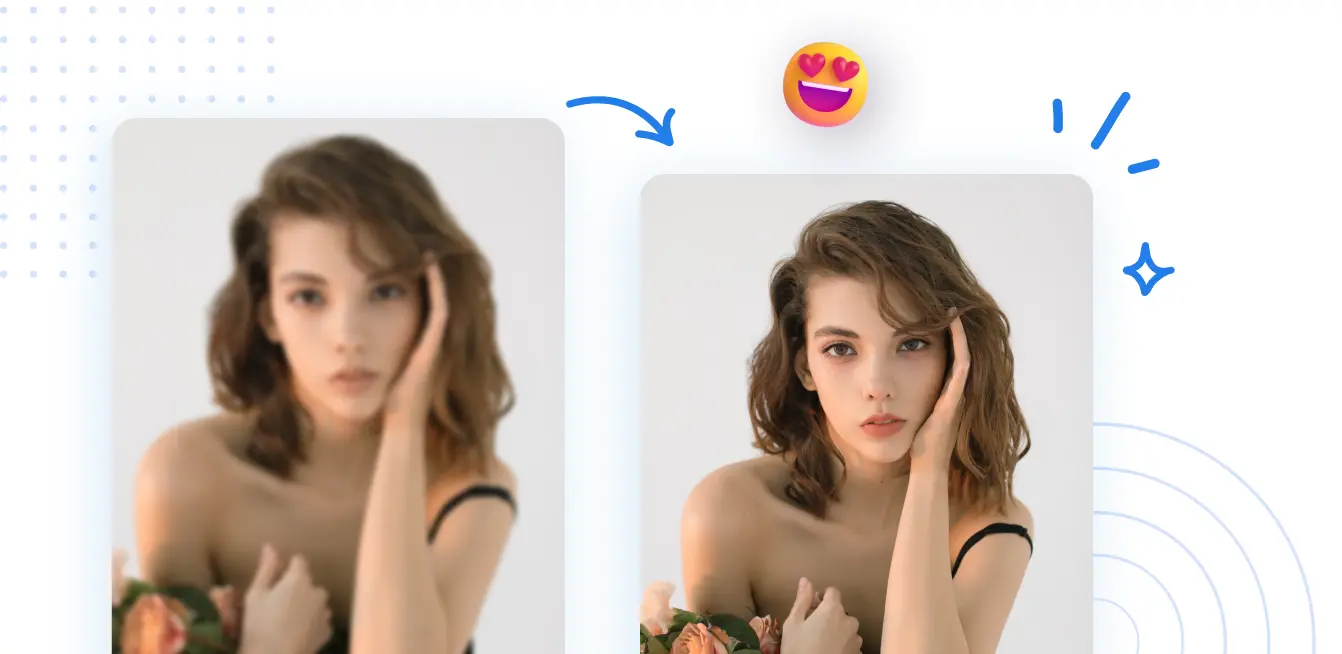
Automatically enhance the blurry photo's resolution and increase the overall quality.
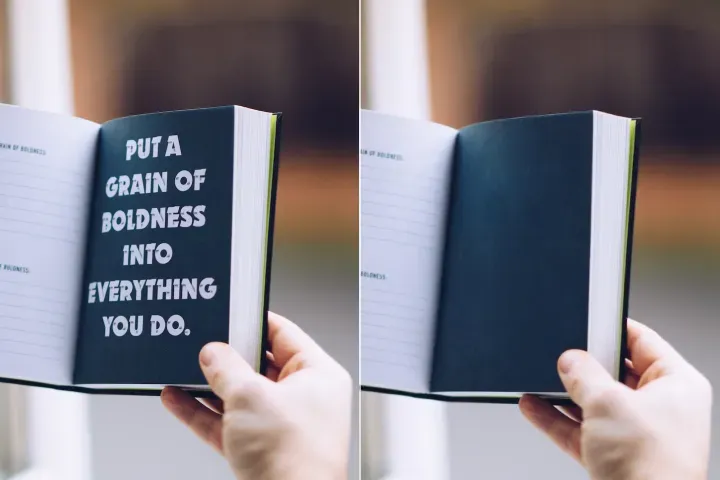
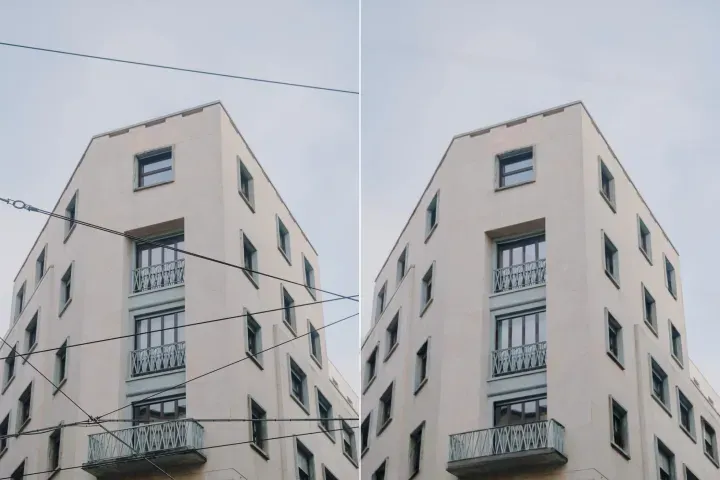
Remove Objects
AIPhotor's One-Touch AI simply detects and removes unwanted details in your picture.
Remove Background
Seamlessly remove background from photos. Edit background with 100+ well-designed templates.
Fotos online verbessern
mit KI
Verbessern Sie Ihre Bilder mühelos mit dem leistungsstarken KI-Fotoverbesserer von AIPhotor.
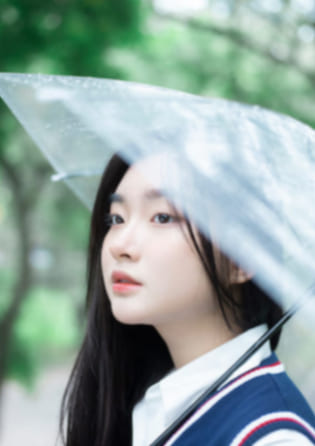

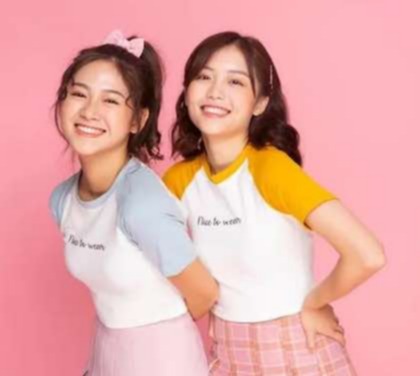
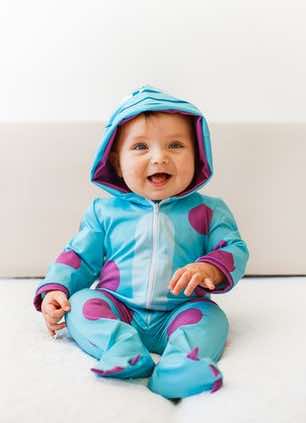
Wie verwendet man den KI-Bildverbesserer?
Öffnen Sie AIPhotor Photo Enhancer online, um die Bildqualität überall auf jedem Gerät in drei einfachen Schritten zu verbessern:
1 Bild hochladen
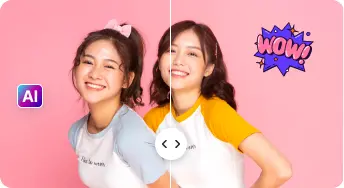
2 Vergleichen & Anpassen:
3 Herunterladen & Teilen:
All-in-One-KI Foto-Verbesserungs-Sets
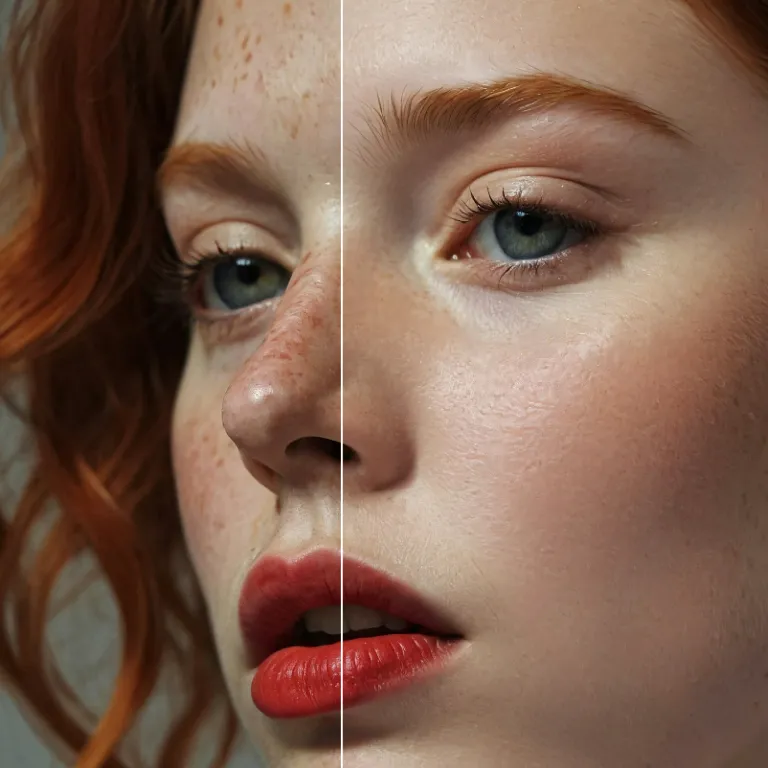
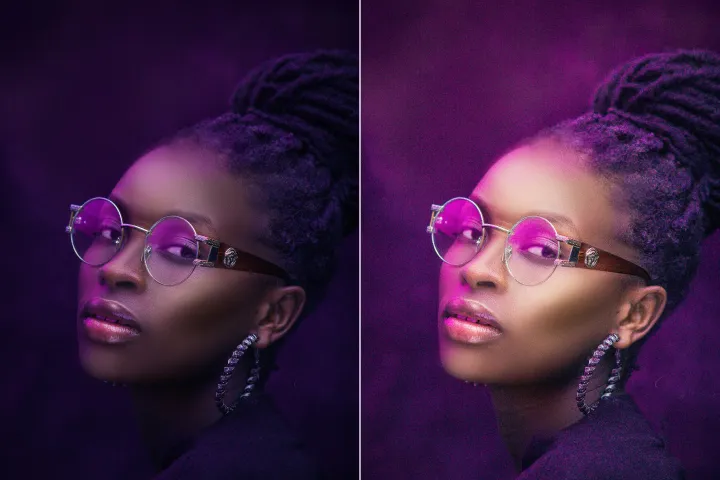
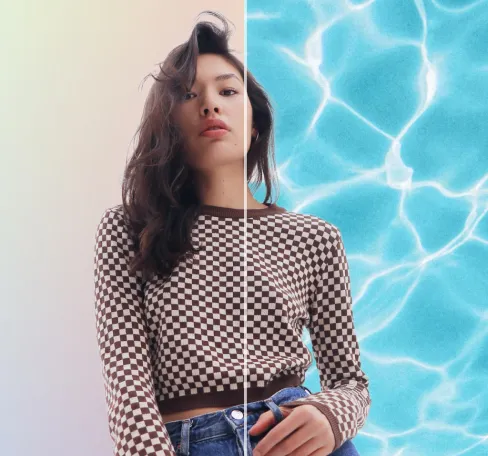
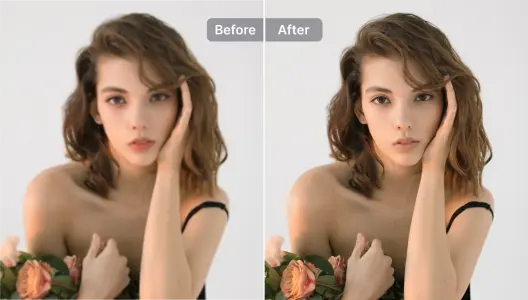
Porträts & Selfies verbessern
AIPhotor spezialisiert sich darauf, Gesichter und Merkmale von Personen in Bildern zu verbessern, sodass sie hervorstechen und dennoch natürlich wirken.
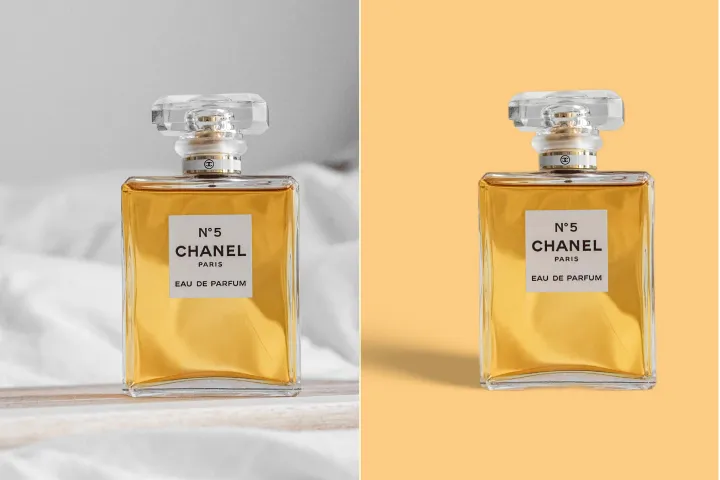
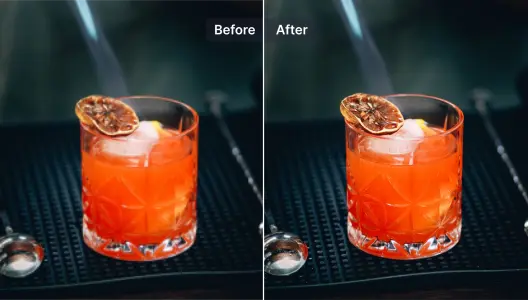
Produktfotos verbessern
Schärft Produktfotos in Sekundenschnelle, um ihre Attraktivität zu erhöhen und sich gegen die Konkurrenz durchzusetzen. Probiere außerdem den KI-Hintergrundentferner, um Hintergründe von Produktfotos auszutauschen.
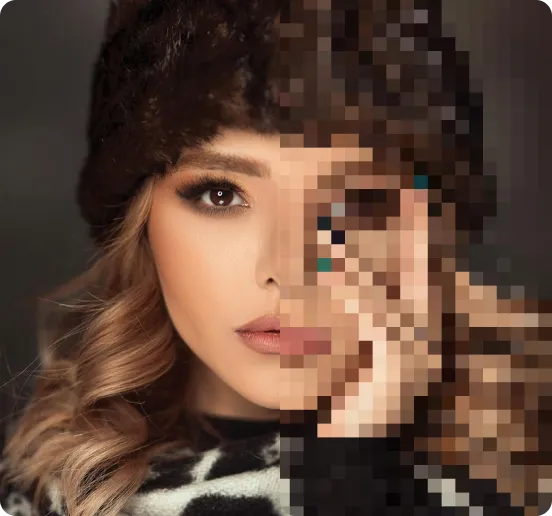
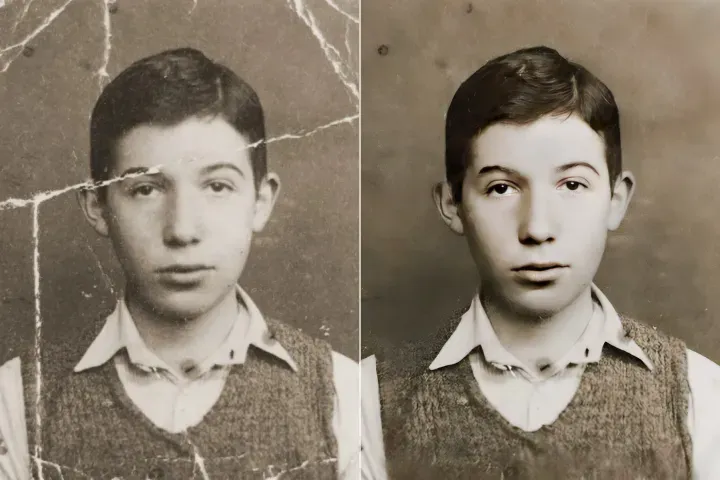
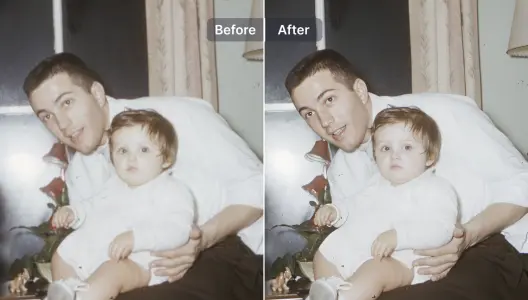
Unscharfe Fotos verbessern und reparieren
Eine schnelle, unkomplizierte Methode, Details in unscharfen Fotos wiederherzustellen. Probiere unser KI-Werkzeug zur Restaurierung alter Fotos.
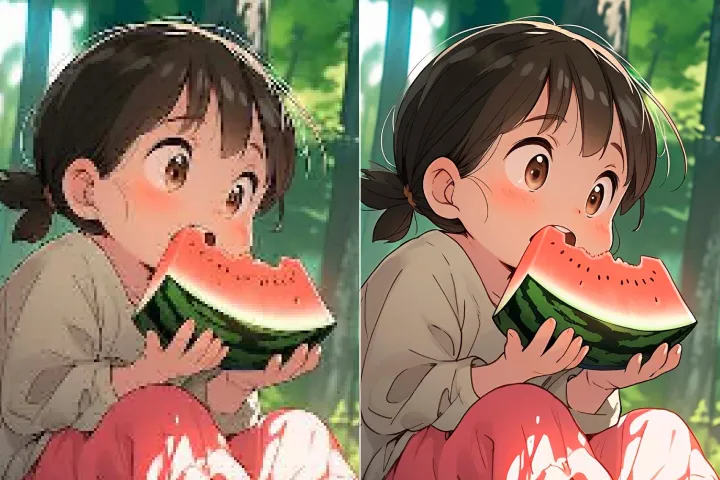
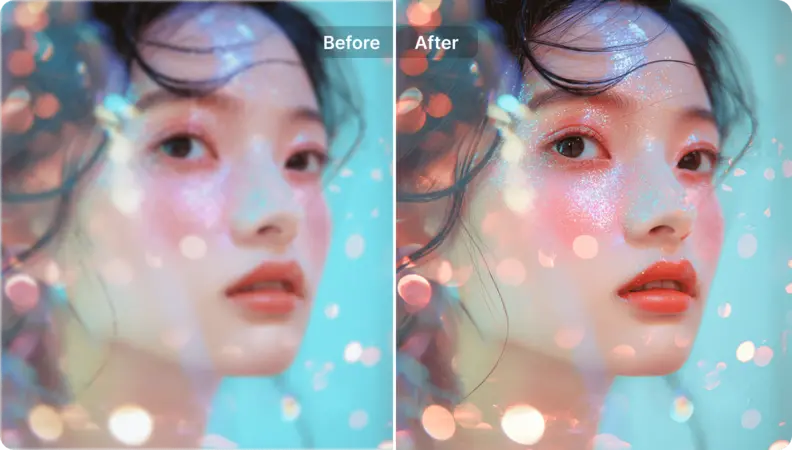
Illustrationen und Grafikdesigns verbessern
Illustrationen und Grafikdesigns mit dem KI-Foto-Verbesserer hochskalieren und Details hinzufügen.\n <b>Vollständige Kontrolle über die Kreativität der KI und deren Ähnlichkeit zum Original.</b>

Kunstbilder hochskalieren
Liefer hochwertige Ergebnisse in hoher Auflösung für alle Kunststile. Verwandle Anime, Manga, Waifu, Cartoons, Zeichnungen und generierte KI-Bilder in realistische, druckfertige Kunstwerke.
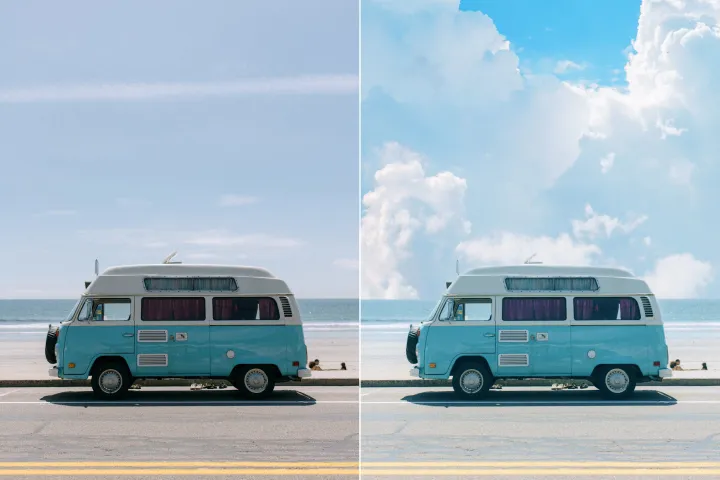
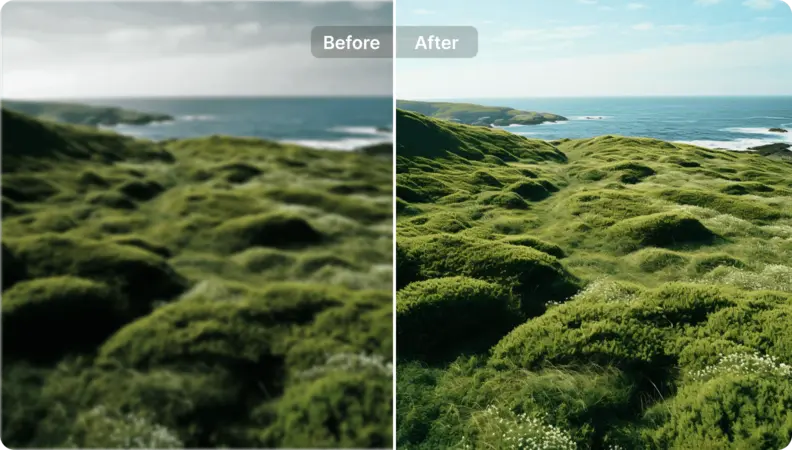
Landschaftsfotos neues Leben einhauchen
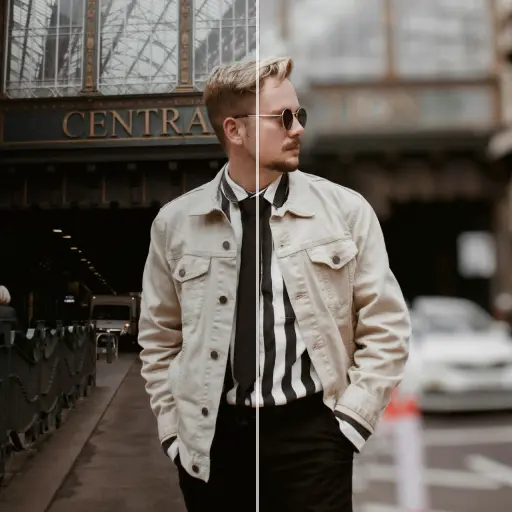
Unperfekte Landschaftsfotos visuell ansprechender gestalten und besser an deinen künstlerischen Stil anpassen. Hier kannst du Bilder hochskalieren und außerdem\n <b>Prompts verwenden, um die Verbesserungen der KI zu lenken.</b>

Free to Try
AIPhotor is free to try for 3 days, after which you can subscribe to one of our incredible value plans.

Free to Try
We automatically sharpen and transform your images with AI to create multiple final looks. But you can also adjust and add a prompt to customize the results. Choose what works best for you!

Quick & Easy
Screen, edit, resize and download your photos lightning fast.

Compatible with all devices
AIPhotor is available on the iOS and Android stores. Our app works seamlessly across mobile, desktop, and tablet devices.
Frequently Asked Questions
-
What is AIPhotor Photo Editor?

 AIPhotor is a visual online photo editing website that leverages AI technology to help automatically remove objects/people from images; retouch, enhance, colorize, correct, cartoonize, and animate photos in a snap, replacing other photo editing tools Photoshop, Pixlr editor, or Photopea.
Or just drag & drop image here, upto 50 images at once
Or just drag & drop image here, upto 50 images at once
Frequently Asked Questions
-
What is AIPhotor Photo Editor?
AIPhotor is a visual online photo editing website that leverages AI technology to help automatically remove objects/people from images; retouch, enhance, colorize, correct, cartoonize, and animate photos in a snap, replacing other photo editing tools Photoshop, Pixlr editor, or Photopea.