
{{ getFeatureName(action_mode) }} your image

Drop your image here.
Our popular AI tools
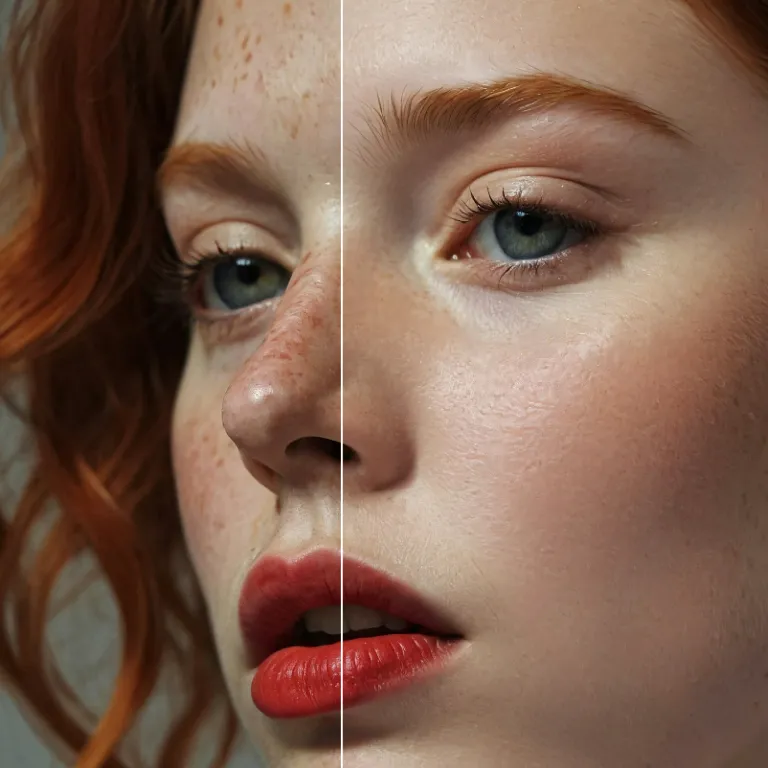
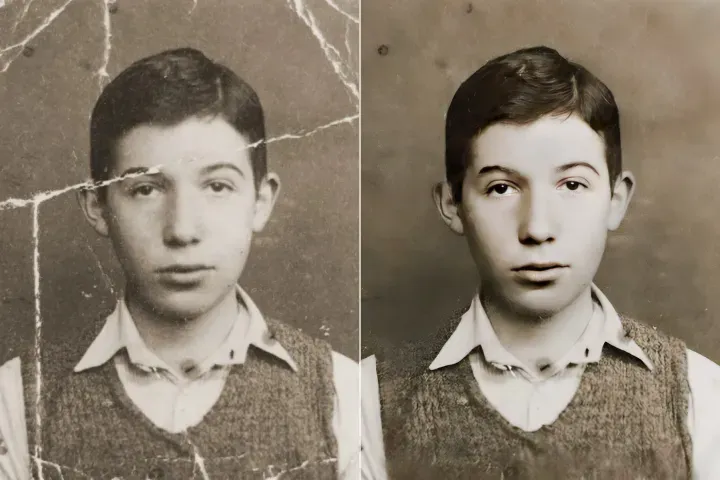
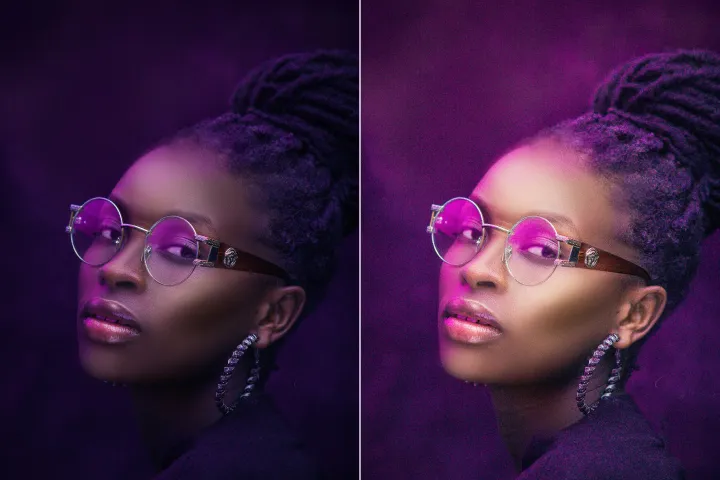
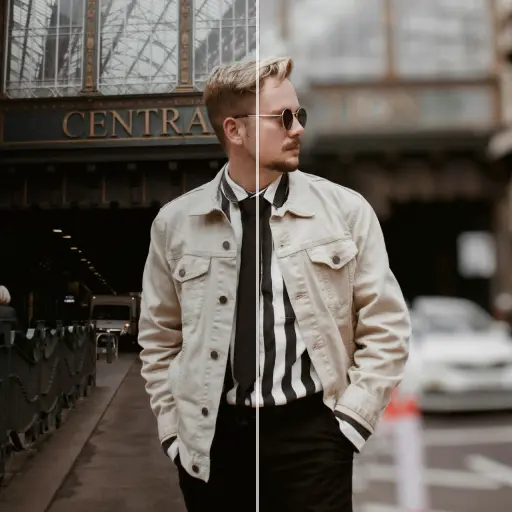
Enhance Photo
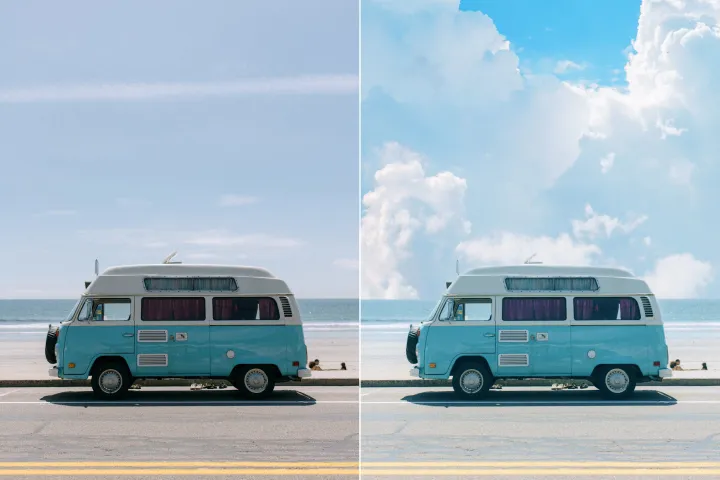
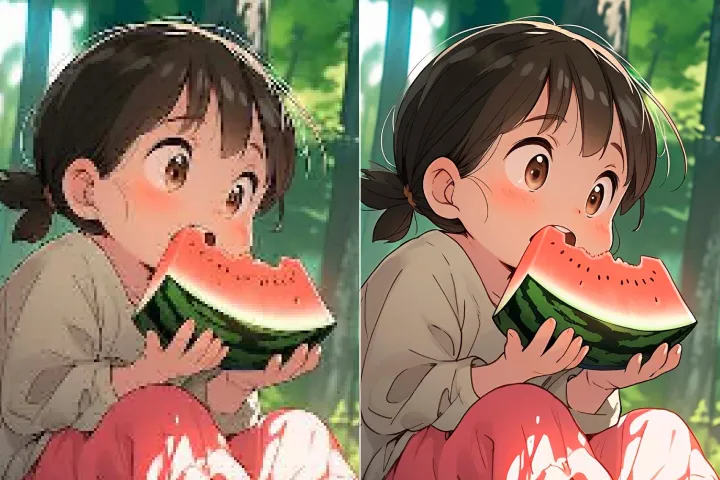
Automatically enhance the blurry photo's resolution and increase the overall quality.
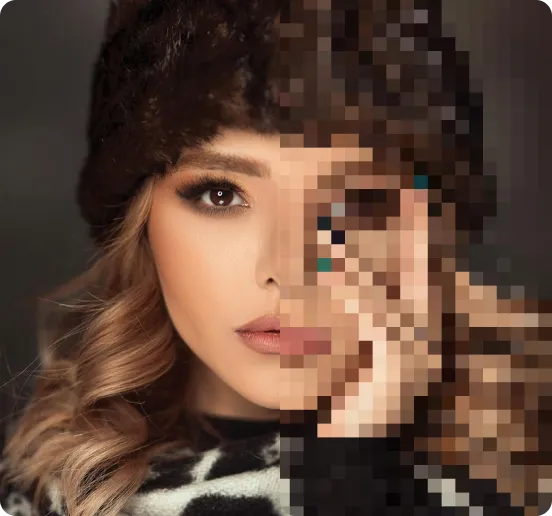
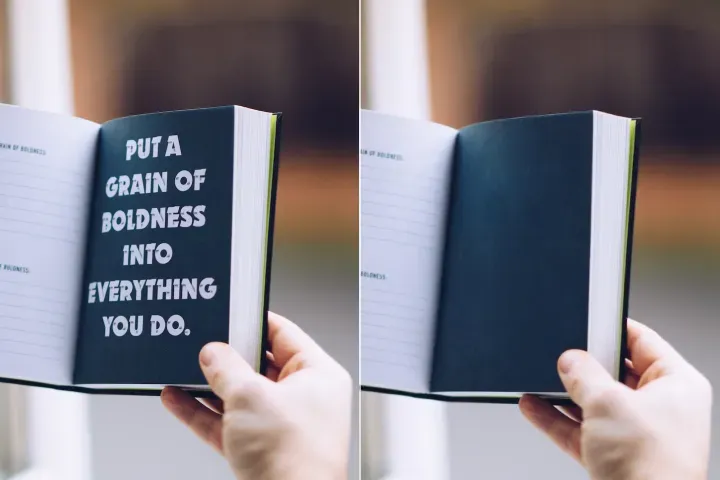
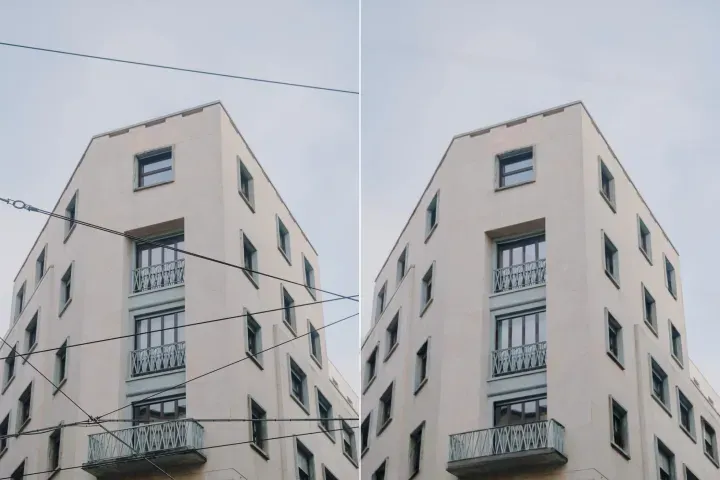
Remove Objects
AIPhotor's One-Touch AI simply detects and removes unwanted details in your picture.
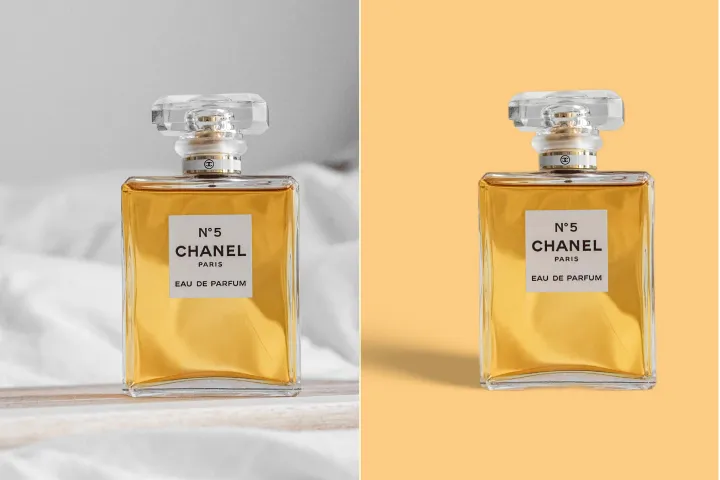
Remove Background
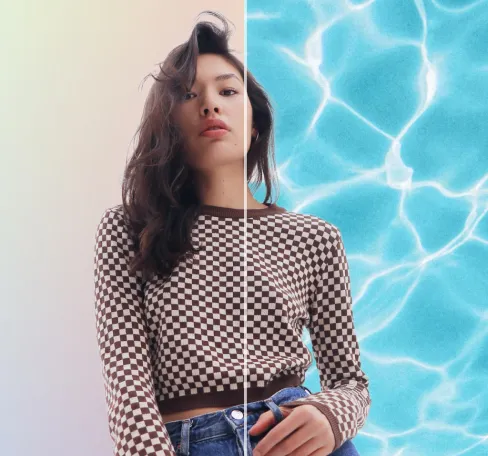
Seamlessly remove background from photos. Edit background with 100+ well-designed templates.
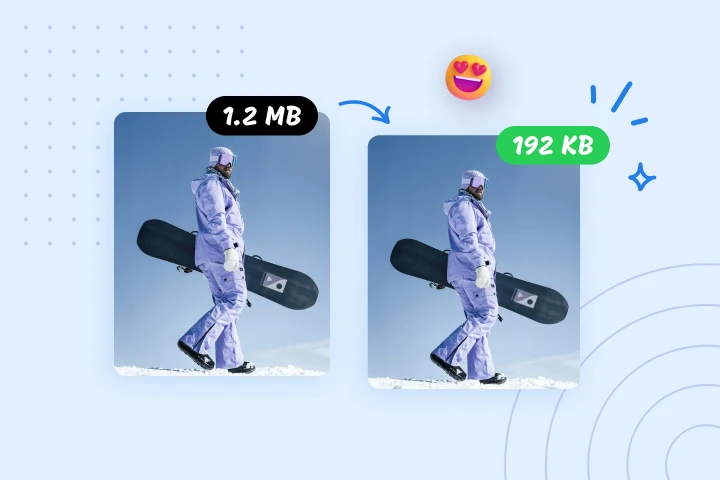
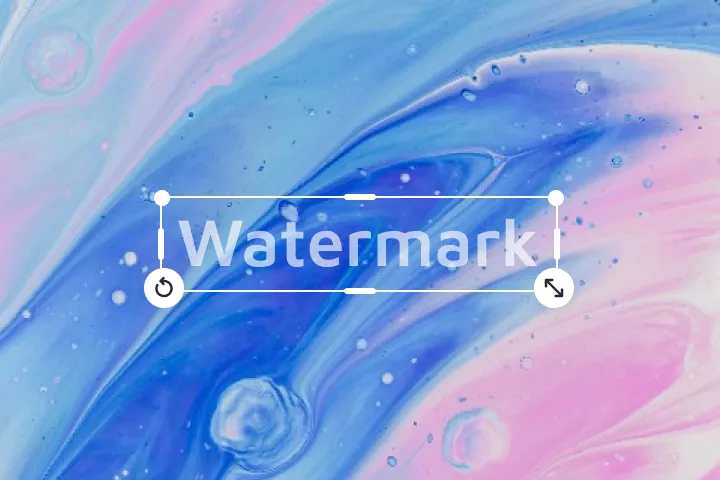
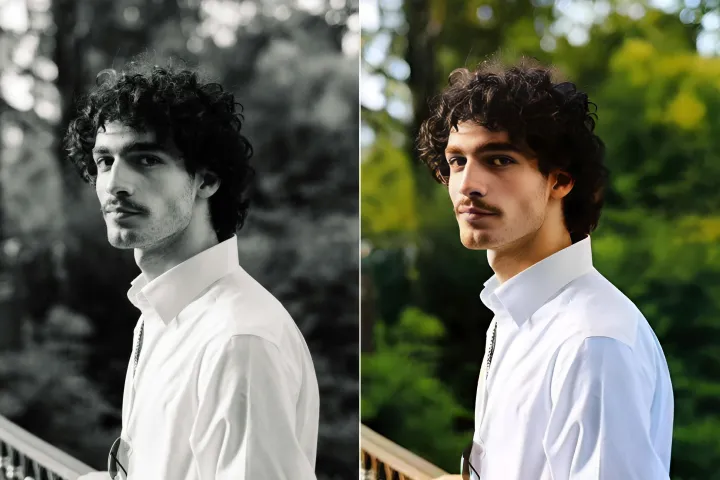
Compresser une image en ligne gratuitement
Réduisez la taille des images jusqu'à 95 % avec le compresseur d'images AIPhotor. L'outil incontournable pour l'optimisation de sites web, la gestion des médias et un transfert de données plus rapide. Essayez-le dès maintenant.
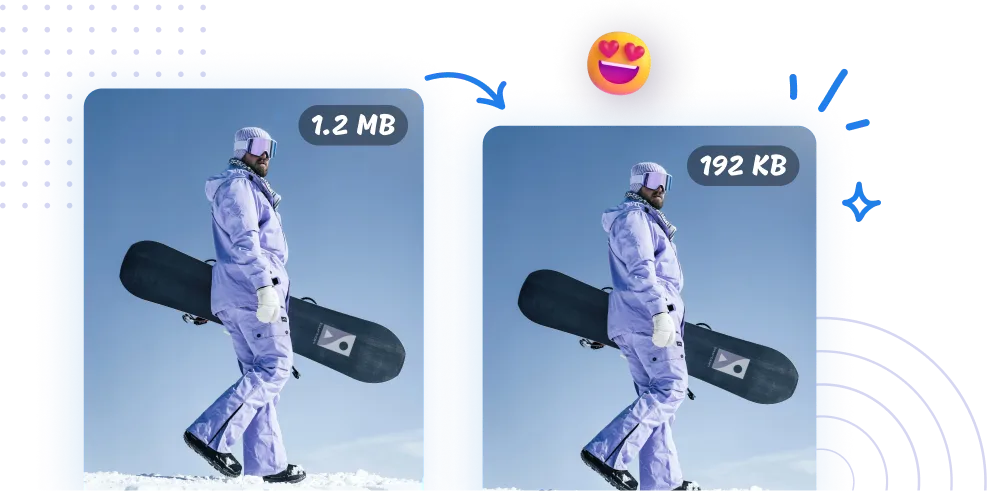
Comment compresser des images avec AIPhotor ?
La compression des images avec AIPhotor est rapide et facile, ne nécessitant que trois étapes simples :
1 Téléverser des images

2 Compresser les images
3 Télécharger les images
Indispensable Outil de compression d'images
Compresser les images pour la vitesse du site web
Compressez les images rapidement pour optimiser le site web. Réduisez les tailles de fichiers importantes pour accélérer le chargement des pages. Le compresseur d'images d'AIPhotor est un outil essentiel pour les développeurs web et les webmasters visant le référencement. Essayez-le dès maintenant.

Réduisez les tailles de fichiers pour un transfert de données rapide.
Le compresseur d'AIPhotor offre une solution pour les connexions lentes et une bande passante limitée. La compression d'images réduit les tailles de fichiers, raccourcissant les temps de transmission et rationalisant la livraison des images. Cela accélère le partage et fait gagner du temps.

Réduire la taille des images pour la gestion du stockage.
Notre compresseur d'images vous aide à gérer le stockage cloud plus efficacement. Des tailles d'images plus petites libèrent de l'espace et réduisent les coûts de stockage, ce qui profite à l'archivage, à l'organisation des photos et aux grandes bibliothèques d'images.


Free to Try
AIPhotor is free to try for 3 days, after which you can subscribe to one of our incredible value plans.

Free to Try
We automatically sharpen and transform your images with AI to create multiple final looks. But you can also adjust and add a prompt to customize the results. Choose what works best for you!

Quick & Easy
Screen, edit, resize and download your photos lightning fast.

Compatible with all devices
AIPhotor is available on the iOS and Android stores. Our app works seamlessly across mobile, desktop, and tablet devices.
Frequently Asked Questions
-
What is AIPhotor Photo Editor?

 AIPhotor is a visual online photo editing website that leverages AI technology to help automatically remove objects/people from images; retouch, enhance, colorize, correct, cartoonize, and animate photos in a snap, replacing other photo editing tools Photoshop, Pixlr editor, or Photopea.
Or just drag & drop image here, upto 50 images at once
Or just drag & drop image here, upto 50 images at once
Frequently Asked Questions
-
What is AIPhotor Photo Editor?
AIPhotor is a visual online photo editing website that leverages AI technology to help automatically remove objects/people from images; retouch, enhance, colorize, correct, cartoonize, and animate photos in a snap, replacing other photo editing tools Photoshop, Pixlr editor, or Photopea.