
{{ getFeatureName(action_mode) }} your image

Drop your image here.
Our popular AI tools
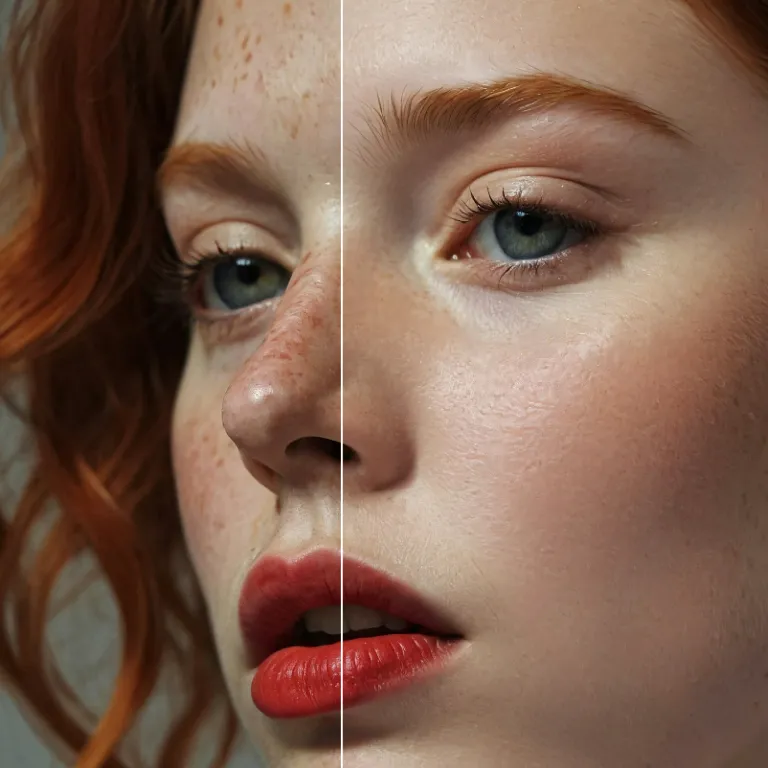
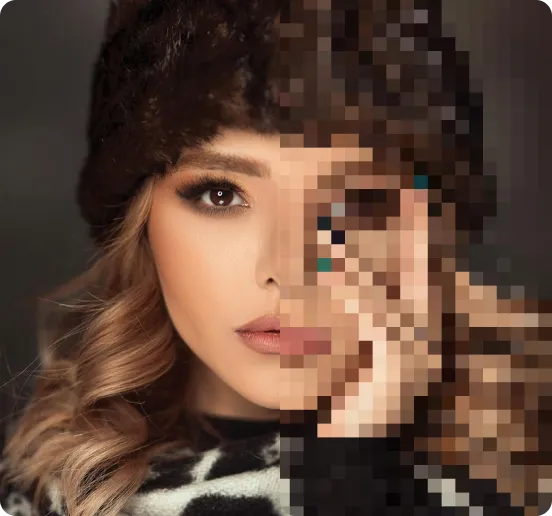
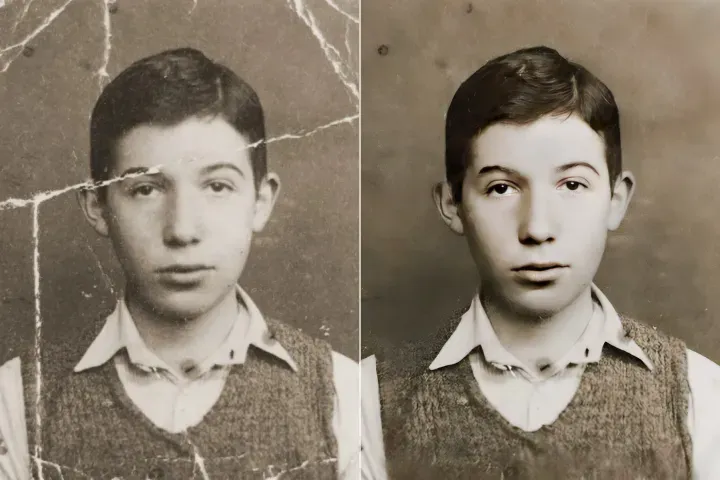
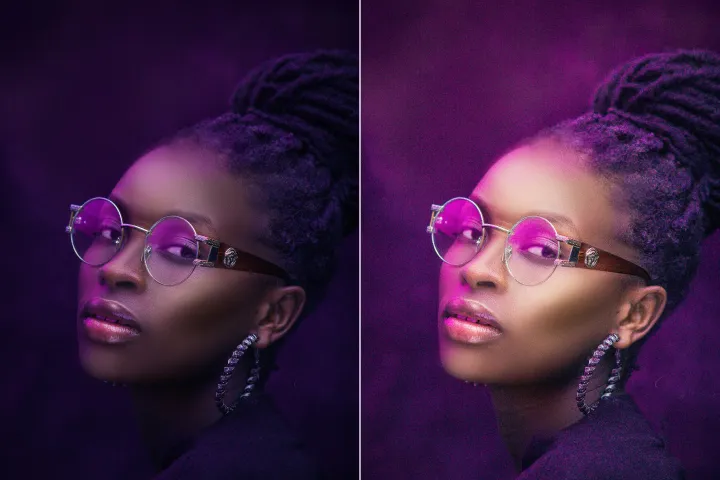
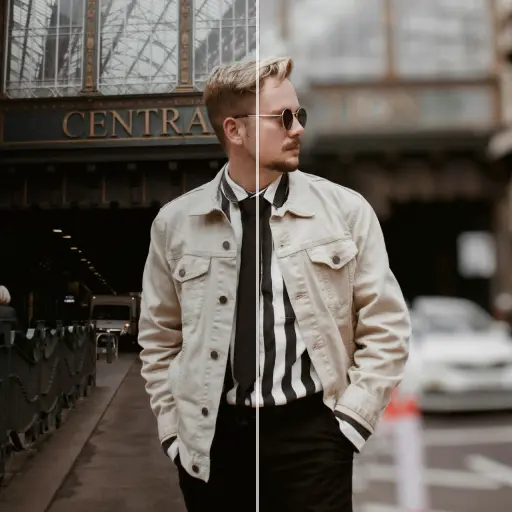
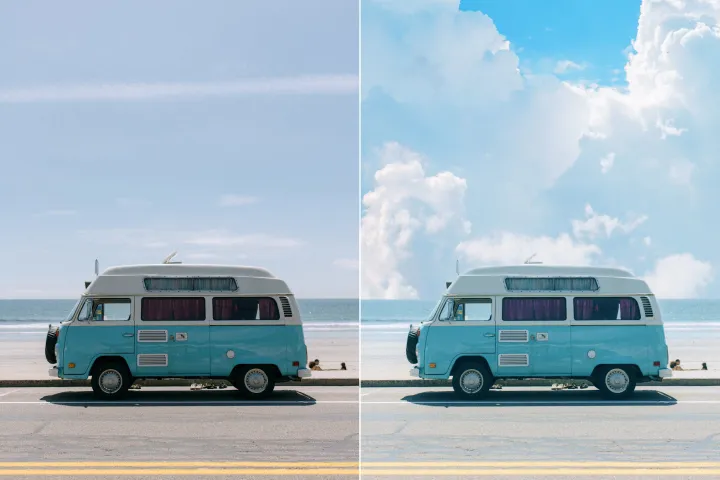
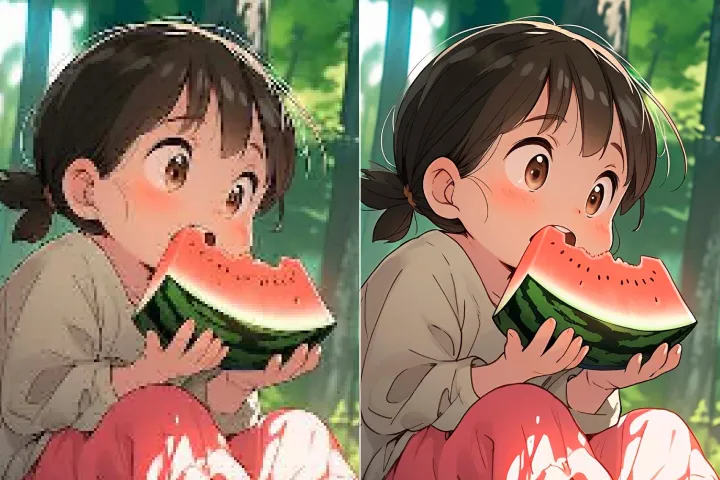
Enhance Photo
Automatically enhance the blurry photo's resolution and increase the overall quality.
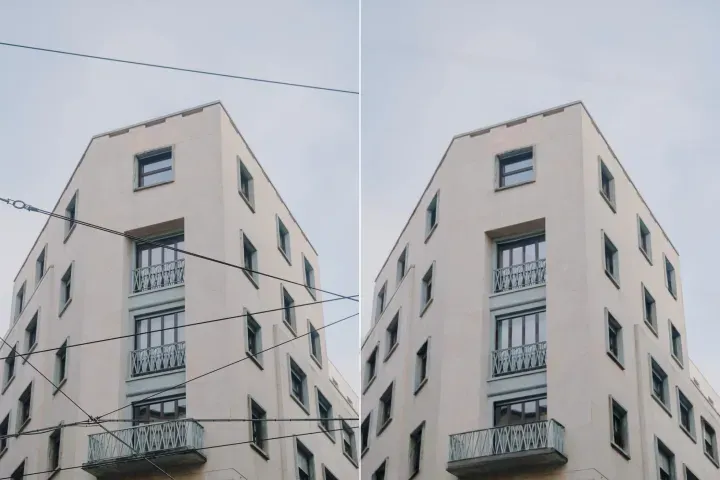
Remove Objects
AIPhotor's One-Touch AI simply detects and removes unwanted details in your picture.
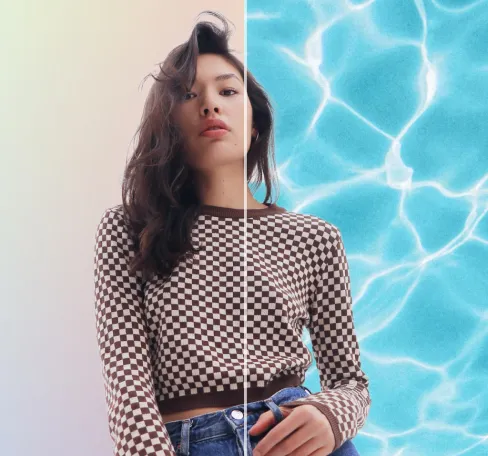
Remove Background
Seamlessly remove background from photos. Edit background with 100+ well-designed templates.

Objecten verwijderen
uit foto's
Automatisch ongewenste objecten in uw afbeeldingen detecteren en verwijderen
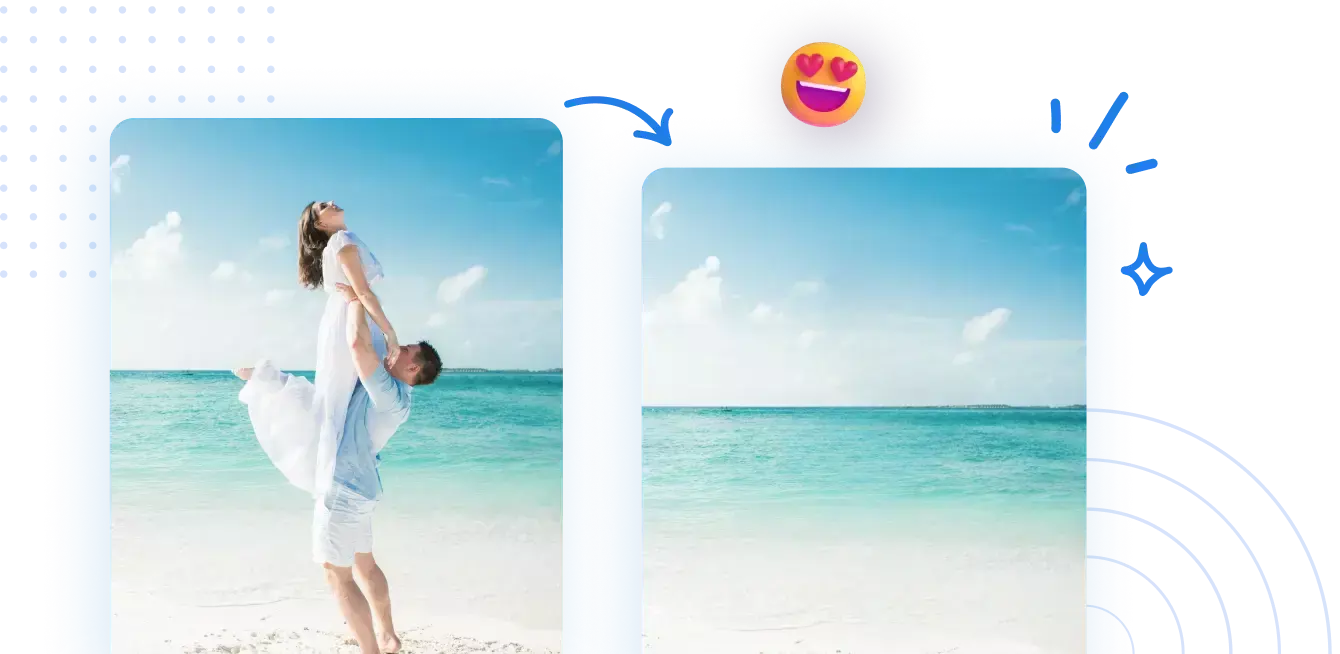




Hoe objecten uit afbeeldingen te verwijderen met AI
Slechts vier eenvoudige stappen om zelf verbluffende afbeeldingen te maken
1 Foto uploaden voor schoonmaken
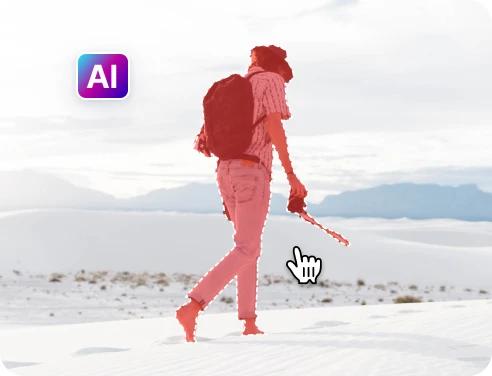
2 Kies de objecten die verwijderd moeten worden
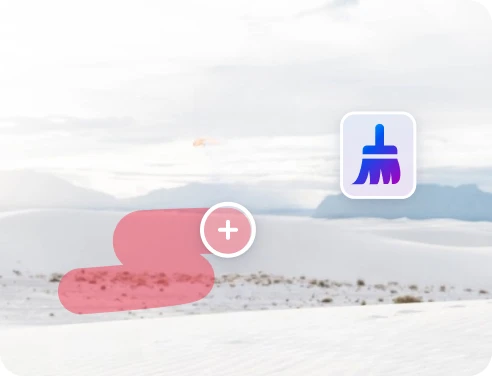
3 Pas aan en bekijk een voorbeeld
4 Downloaden en delen
Snelle en nauwkeurige objectverwijdering met AI-technologie
Krachtige AI voor objectverwijdering
AIPhotor AI helpt je je foto's sneller op te schonen en, in veel gevallen, nauwkeuriger dan handmatig verwijderen.

Toeristen uit reisfoto's verwijderen
Heb je genoeg van mensen op de achtergrond? AIPhotor maakt jou het middelpunt van de foto.

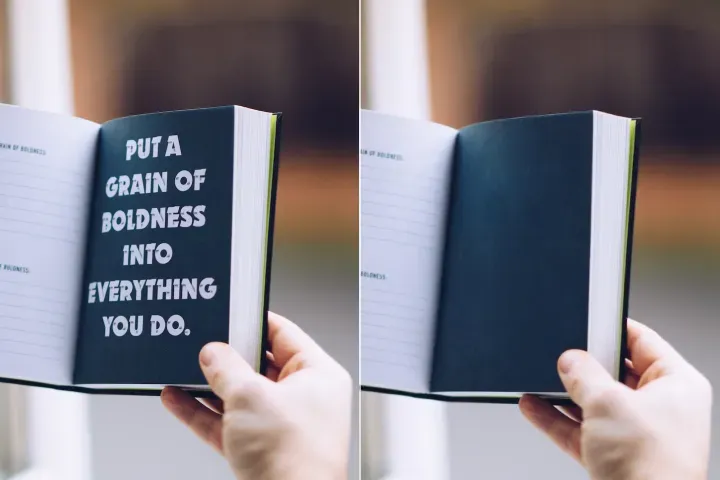
Verwijder ongewenste teksten
Je kunt zelfs tekst uit je foto's verwijderen en nieuwe tekst toevoegen - allemaal in één.


Free to Try
AIPhotor is free to try for 3 days, after which you can subscribe to one of our incredible value plans.

Free to Try
We automatically sharpen and transform your images with AI to create multiple final looks. But you can also adjust and add a prompt to customize the results. Choose what works best for you!

Quick & Easy
Screen, edit, resize and download your photos lightning fast.

Compatible with all devices
AIPhotor is available on the iOS and Android stores. Our app works seamlessly across mobile, desktop, and tablet devices.
Frequently Asked Questions
-
What is AIPhotor Photo Editor?

 AIPhotor is a visual online photo editing website that leverages AI technology to help automatically remove objects/people from images; retouch, enhance, colorize, correct, cartoonize, and animate photos in a snap, replacing other photo editing tools Photoshop, Pixlr editor, or Photopea.
Or just drag & drop image here, upto 50 images at once
Or just drag & drop image here, upto 50 images at once
Frequently Asked Questions
-
What is AIPhotor Photo Editor?
AIPhotor is a visual online photo editing website that leverages AI technology to help automatically remove objects/people from images; retouch, enhance, colorize, correct, cartoonize, and animate photos in a snap, replacing other photo editing tools Photoshop, Pixlr editor, or Photopea.