Convert WORD to PDF
Convert DOC and DOCX files to PDF for easier viewing and sharing.

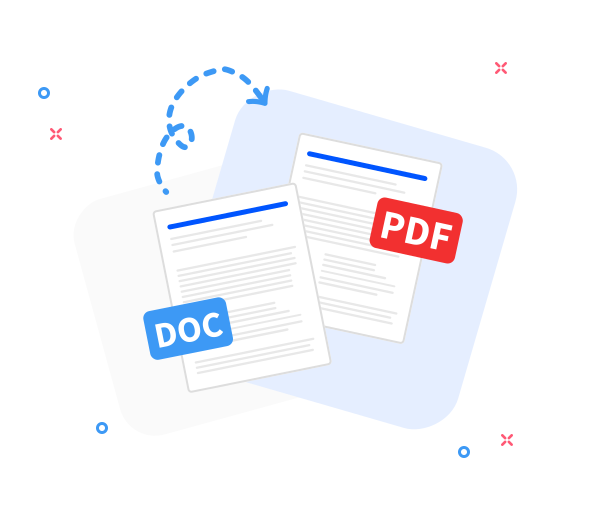
Our online Word to PDF converter transforms .doc and .docx files into .pdf format while preserving layout, formatting, and document quality. The resulting PDF works on any device or operating system.
-
PDF to word converter online free
-
No software download or installation
-
Fast Word to PDF conversion
The Best Online Word to PDF Converter
Whenever you need to convert Word documents to PDF, rely on our tool. Millions of users trust it for its speed, accuracy, and reliability.
Seamless Word to PDF Conversion
Convert any Word document to PDF while keeping the original layout intact. Fast, professional, and completely free - just how document conversion should be.
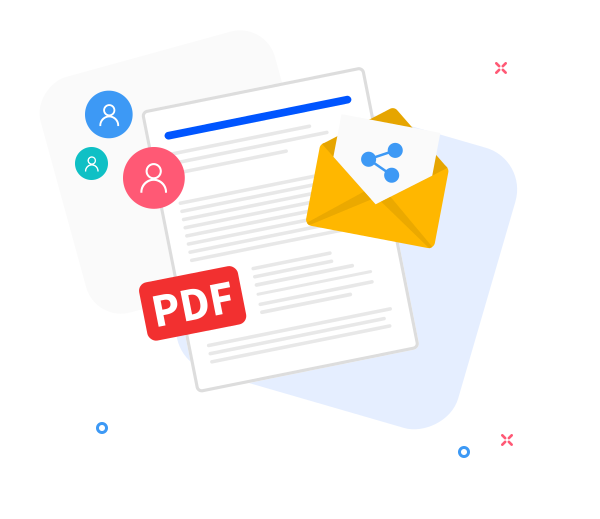
Share the converted files with others.
Our sharing feature makes teamwork easier. After converting your file to PDF, instantly create a download link or send the PDF via email with just a few clicks.
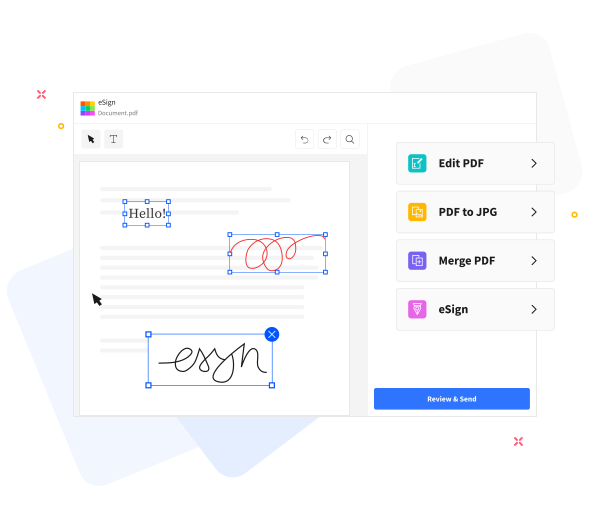
Enhance the quality of your PDF files.
Enhance your PDFs with our built - in tools. Add text, compress files for emailing, annotate documents, or merge them with other PDFs seamlessly.
Frequently Asked Questions
Yes. This Word to PDF converter is free to use online. You can convert Word documents to PDF format without registration, watermarks, or installing any software.
Yes. The converter preserves text formatting, fonts, images, and page layout to ensure the generated PDF looks the same as the original Word document.
Yes. Files are transferred using secure HTTPS encryption and processed automatically. All uploaded Word documents and generated PDFs are deleted from our servers after a short period to protect your privacy.

How to convert a word document to PDF?
Convert a Word file to PDF in these steps:
- Drag and drop your Word file into our converter.
- Click “Convert to PDF”.
- Wait a few seconds while the file is processed.
- Click “Download” to save or share your PDF.
 Remove pages